
Custom Banned Word Filtering
Your own list of words that never reach the room.
spoilercompetitor-xpassword
Professional Edition is everything in Free, plus a control panel, your own logo and colors, big-event tools, CR Scribe, setup help and a person to call.
Messages with these words are stopped before they reach the room.
MayaWelcome to the town hall.
SamGlad to be here.
WebAdmin Control Panel, your own banned-word list, full control of the room list, and server and channel security.
Messages with these words are stopped before they reach the room.
Your logo and colors on the web chat, plus your own icons and emoji.
MayaWelcome to the town hall.
SamGlad to be here.
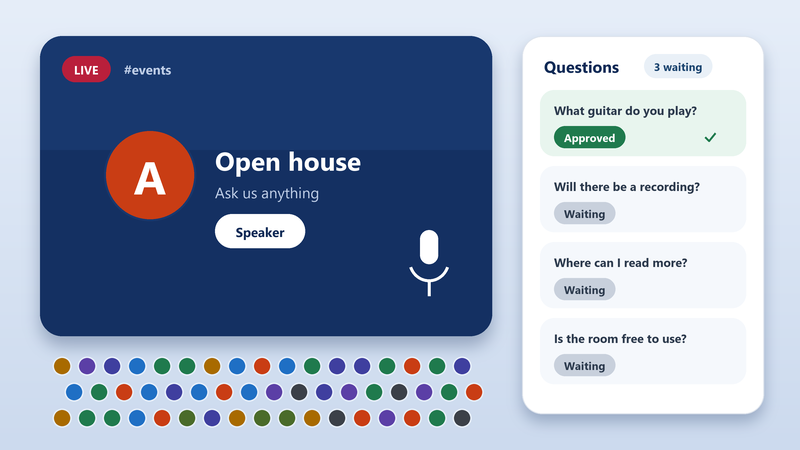
Event management, large scale event support and Auditorium Mode for audiences that would swamp an ordinary room.
CR Scribe is included, we help with setup and configuration, and phone support and chat help are there when you need them.
Visitor How do I rename my room?
Ana Open the room settings and choose Rename.
CR Scribe saved this conversation to your log page
Standard chat on the left. Yours on the right.
MayaWelcome to the town hall.
SamGlad to be here.
MayaWelcome to the town hall.
SamGlad to be here.
Your own list of words that never reach the room.
Choose which rooms appear in the room list.
Large Scale Event Support, Auditorium Mode and a question inbox keep a big audience calm while your moderators decide what goes live.
CR Scribe saves your chats and conferences to a web page as they happen. It comes with Professional at no extra charge.
Visitor How do I rename my room?
Ana Open the room settings and choose Rename.
CR Scribe saved this conversation to your log page
There is no sales department. The people who build it help you.
Your size, your events and your brand.
Setup & Configuration.
Phone Support & Chat Help.
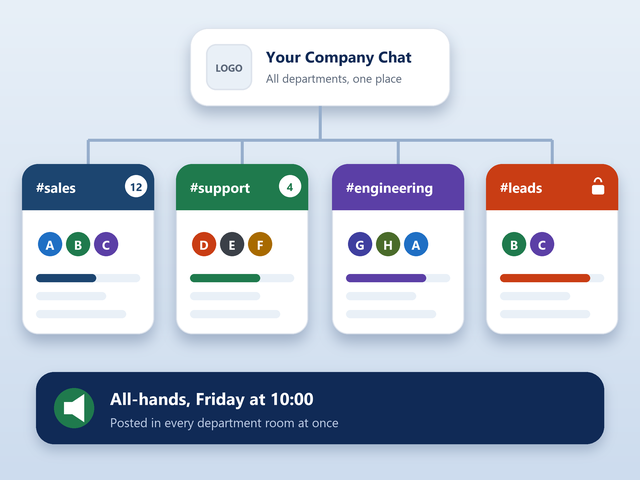
Your own brand on the place your people already meet.
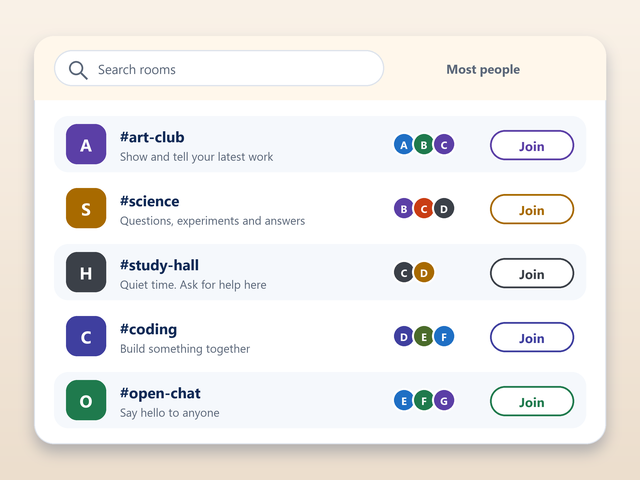
Room control and a word filter you set yourself.
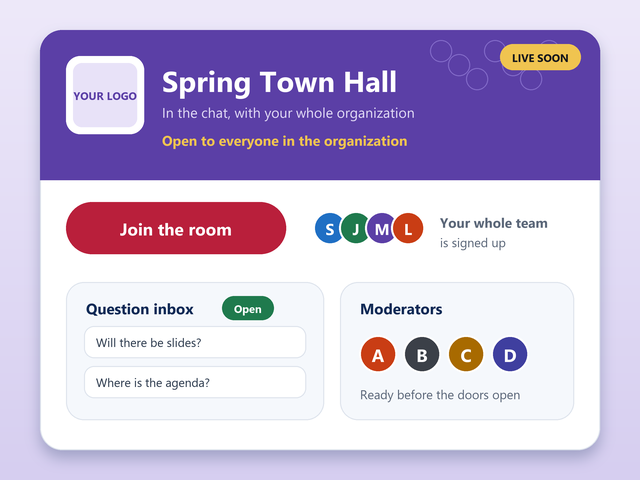
Big-event tools, Auditorium Mode and CR Scribe.
A check means the edition has it. Prices are per month.
| Feature | Free$0 | Professional$999/month |
|---|---|---|
| Price and licence | ||
| Price | $0 | $999/month |
| Licensed for (users) | n/a | 25,000 |
| Chat for everyone | ||
| Real-time Chat | Included | Included |
| Private Messages | Included | Included |
| MemoServ | Included | Included |
| Channel Agents (Bots) | Included | Included |
| Web and Chat Access Logs | Included | Included |
| Users Can Register Rooms/Nicknames | Included | Included |
| Control and security | ||
| WebAdmin Control Panel | Not included | Included |
| Custom Banned Word Filtering | Not included | Included |
| Full Room Lists Control | Not included | Included |
| Server & Channel Security | Not included | Included |
| Your brand | ||
| Custom Web Chat Themes (Your Logo) | Not included | Included |
| Custom Icons and Emojis | Not included | Included |
| Events | ||
| Event Management | Not included | Included |
| Large Scale Event Support | Not included | Included |
| Auditorium Mode | Not included | Included |
| CR Translation and CR Scribe | ||
| CR Translation | Not included | Not included |
| CR Scribe | Not included | Included |
| Included with it | ||
| Setup & Configuration | Not included | Included |
| Phone Support & Chat Help | Not included | Included |
The licence is for concurrent users: the people connected at the same moment, not everyone who has ever joined.
We do. We help you with setup and configuration, and phone support and chat help are there when you need them.
Yes. CR Scribe is included with Professional at no extra charge.
Yes. Professional includes Custom Web Chat Themes with your logo, and Custom Icons and Emojis.
That is what Enterprise is for. It is licensed for 250,000 users and adds server-to-server linking and more.
Email info@conferencerooms.org. An engineer will talk it through with you.
Tell us how many people, which events and how you want it to look. We will help you set it up.